Site name, logo, menu and search settings
Settings that apply to every page: your name, logo, menu links, footer and social links.
In the editor, click Site settings at the top. You see a list: Name and type, Top menu, Footer, Search and sharing, Blog, Redirects and Visitor stats, then Your photos, Your own domain, Messages, Email sign-ups and Download your site.
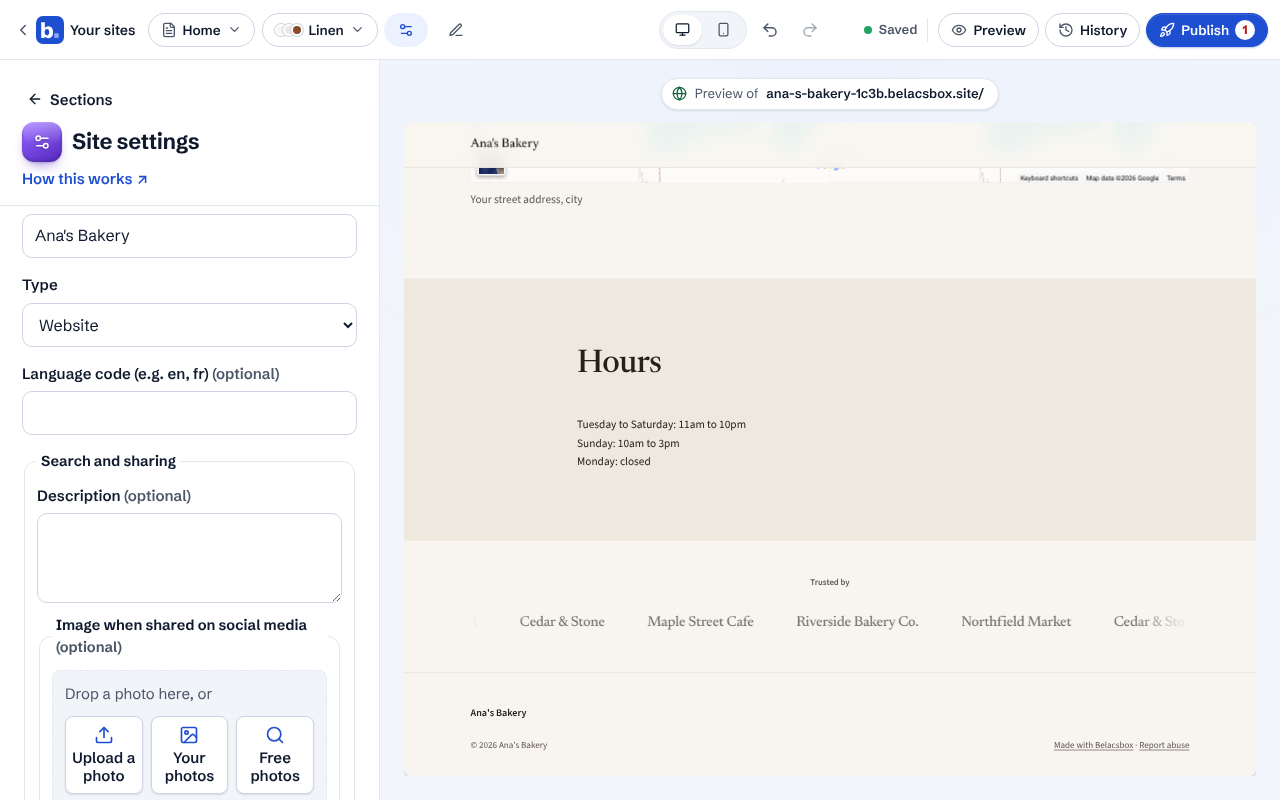
Click any row to open just those settings. Click Site settings at the top of it to go back to the list. A red dot on a row means something there needs a fix before you publish.
In Name and type, change the site name, the website type and the language, and add a logo. In Top menu, edit the links visitors see at the top of every page.
In Search and sharing, write a short description of your site for Google and pick the picture shown when someone shares your site. Tick Hide from search engines only if the whole site should stay out of Google.