Add a YouTube or Vimeo video
Show a video from YouTube or Vimeo on any page. It only loads when a visitor presses play, so your page stays fast and private.
Upload your video to YouTube or Vimeo first. On the video's page, click Share, then Copy link.
In the editor, click Add a section, then Video (under Show your work).
Paste the link into YouTube or Vimeo link. Links like youtube.com/watch?v=..., youtu.be/..., YouTube Shorts and vimeo.com/... all work. Paste the link only, not the embed code.
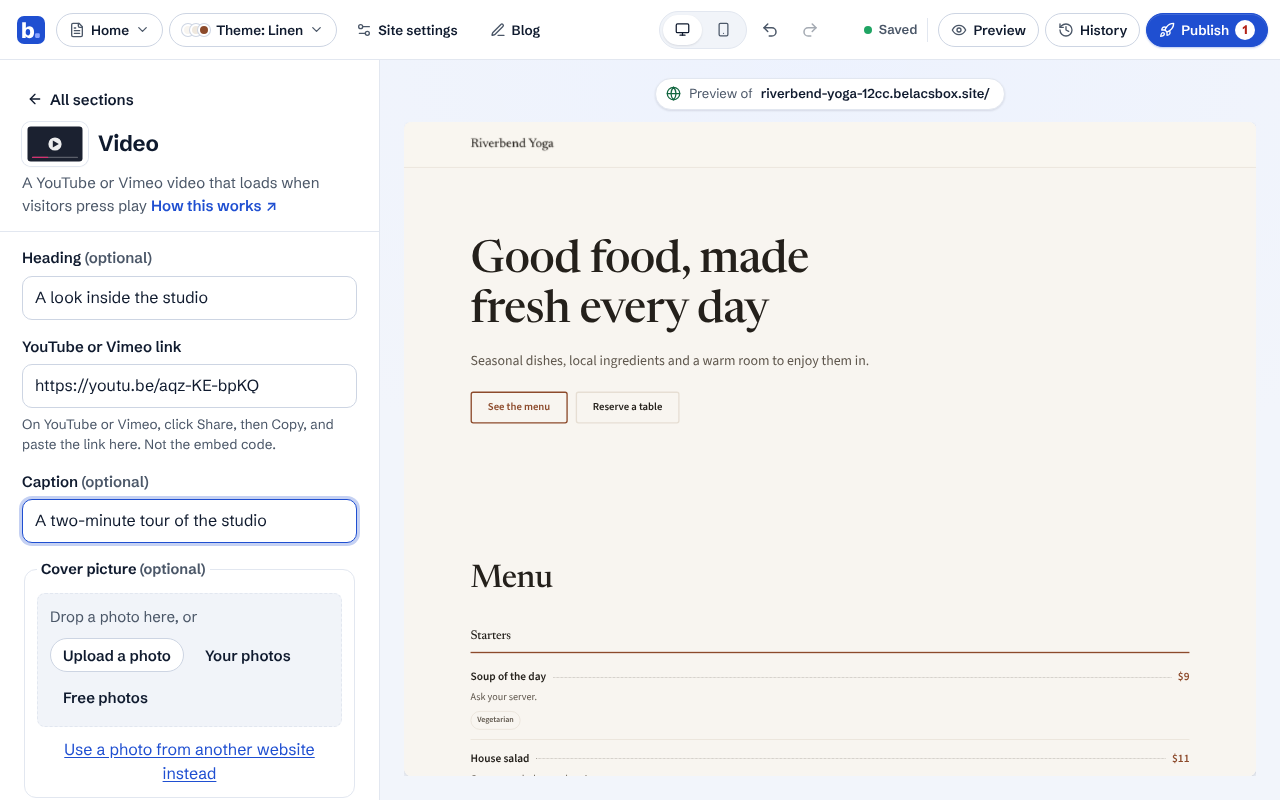
Add a heading and a caption if you like. The caption is also the video's name for screen readers.
Optional: add a cover picture. Without one, visitors see a play button in your theme's colours.
Check it in the preview. Visitors see your cover with a play button; the video starts when they press it.
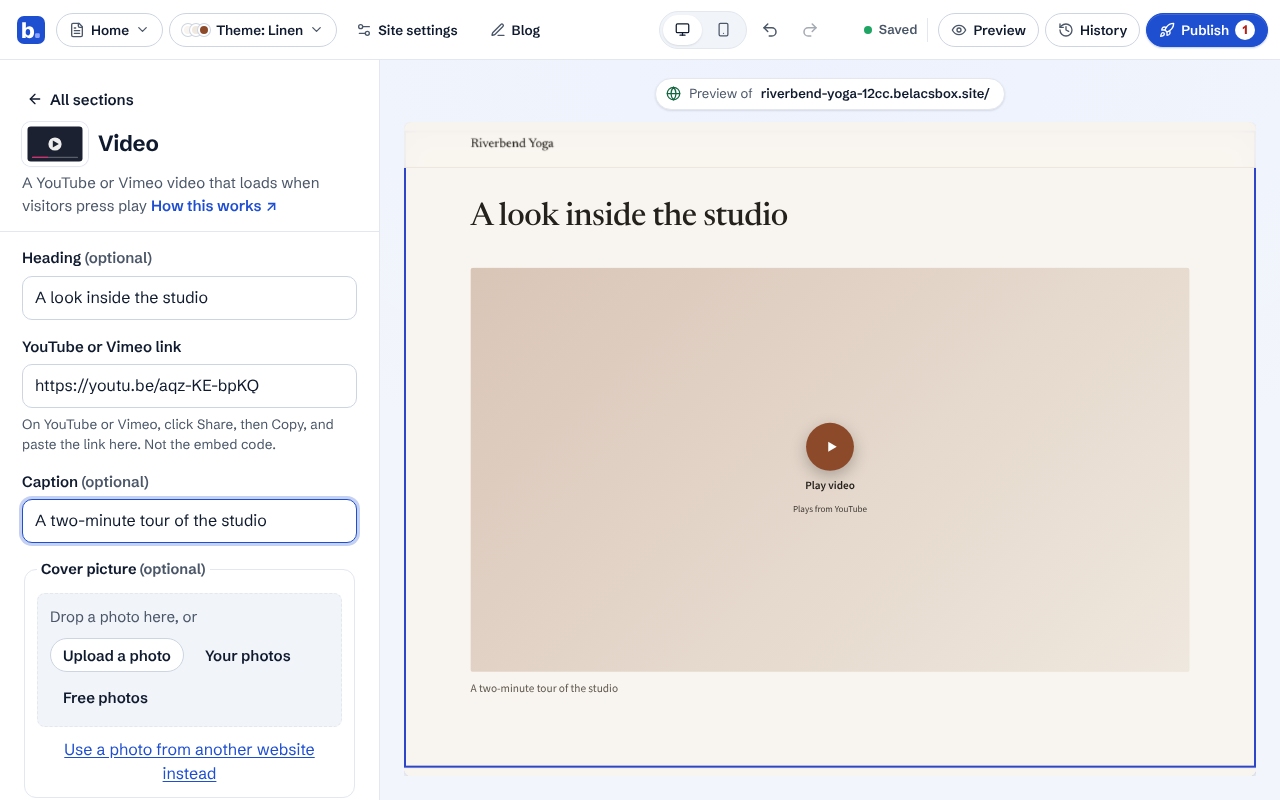
- Nothing is loaded from YouTube or Vimeo until a visitor presses play, and we use YouTube's privacy-enhanced mode and Vimeo's do-not-track setting.
- Unlisted Vimeo videos work: paste the full link, including the part after the number. Private videos and playlists can't be shown.
- To play from a certain moment, copy the link with a start time (YouTube: Share, tick Start at).