Signing in and resetting your password
Create your account with your email and a password, confirm your email, then sign in. Forgot your password? Reset it from the sign-in page in a minute.
To start: click Start free trial, type your email and choose a password of at least 8 characters. A few words you'll remember work well; you don't need symbols or numbers.
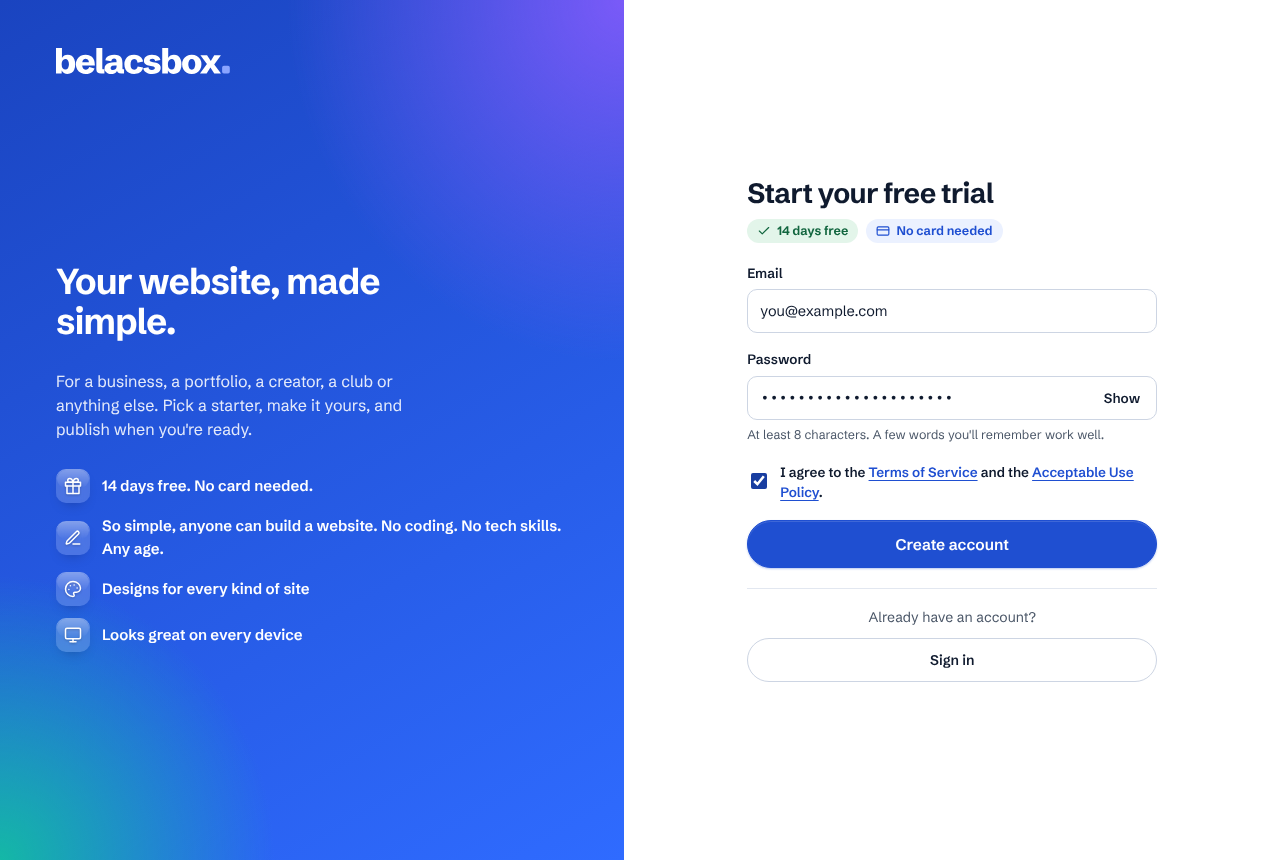
Tick the box to agree to the Terms of Service and Acceptable Use Policy, then click Create account.
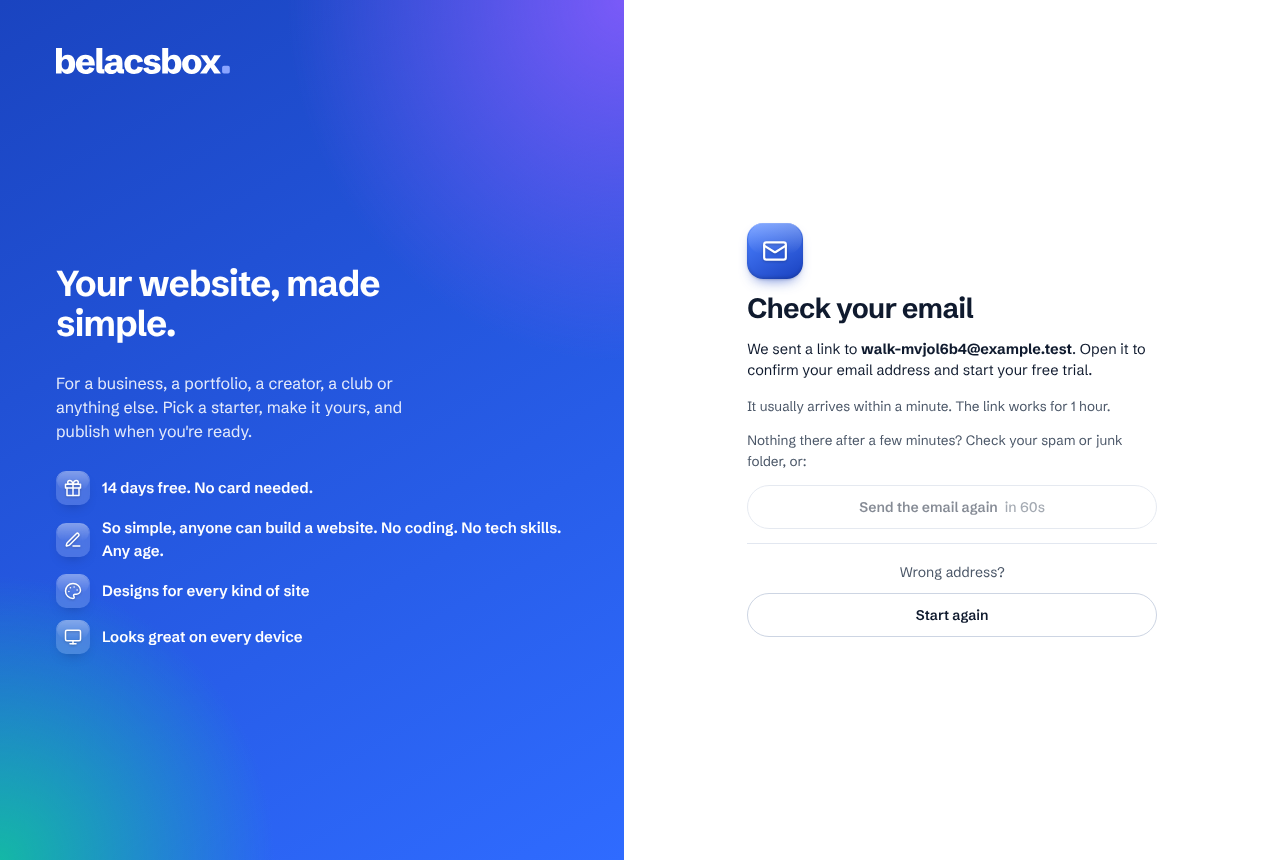
Open the email we send you (from Belacsbox, no-reply@belacsbox.com). It usually arrives within a minute. Nothing there after a few minutes? Check spam, or click Send the email again (you can ask for a new one every minute).
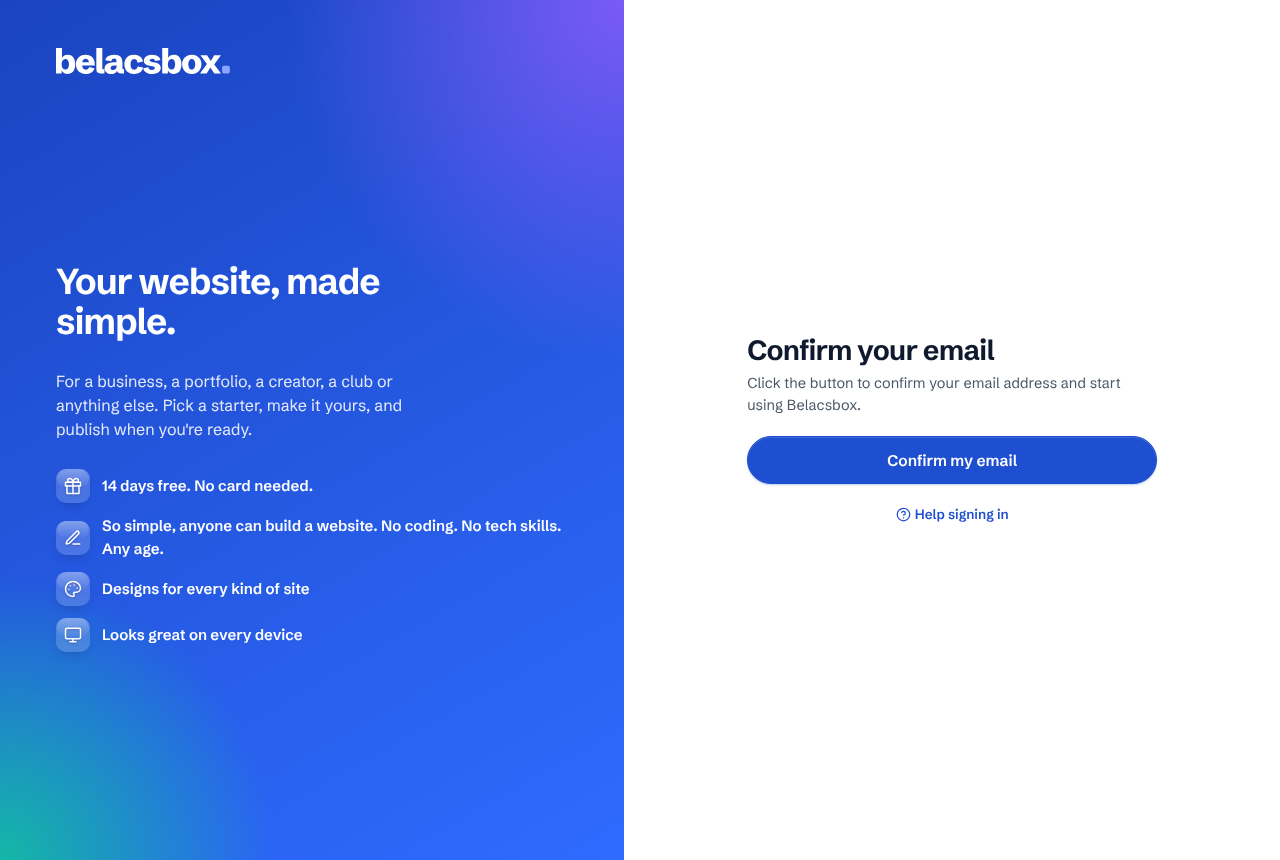
In the email, click Confirm my email. A Belacsbox page opens: click Confirm my email again. That confirms your email address, signs you in and starts your 14-day free trial (no card needed). It works on any phone or computer, for 1 hour.
Next time, go to the sign-in page, type your email and password and click Sign in.
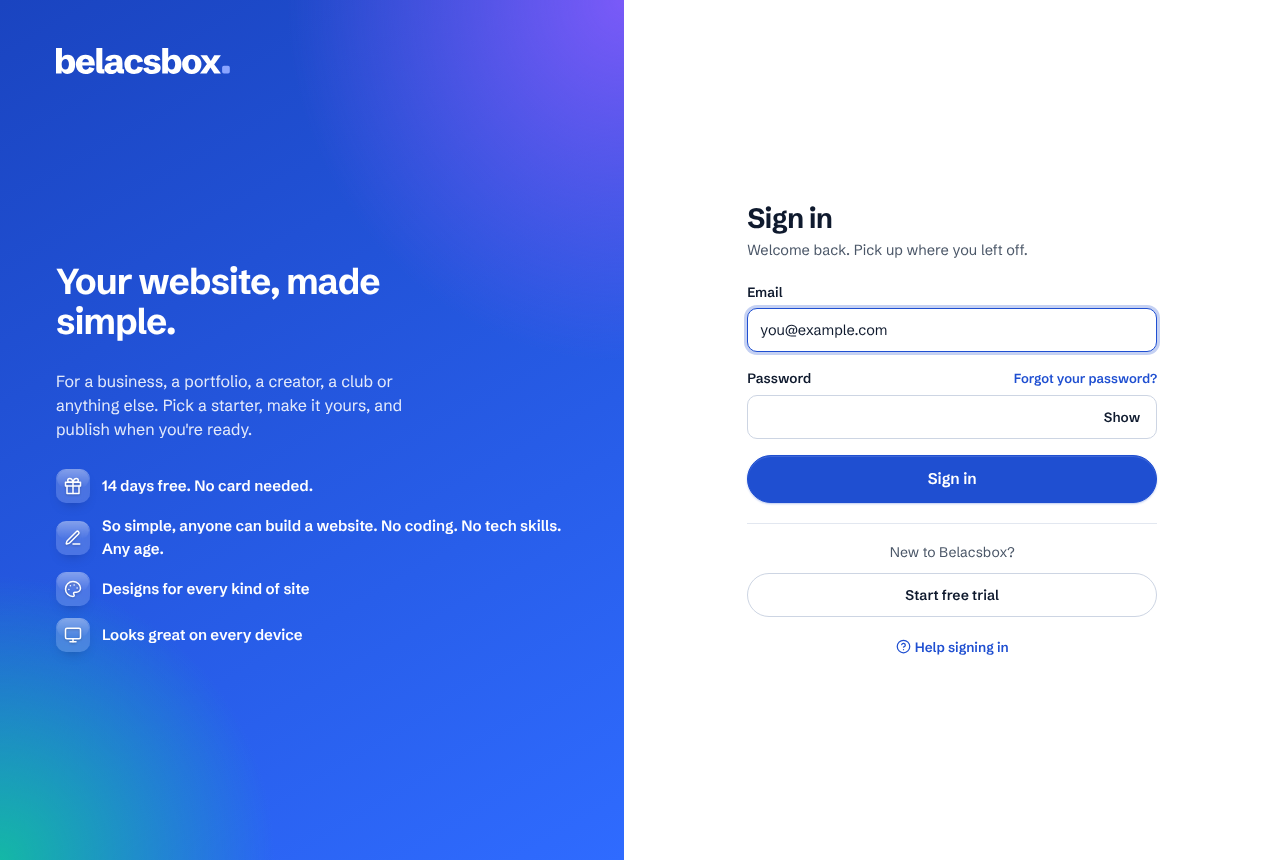
Forgot your password? On the sign-in page click Forgot your password?, type your email and click Send reset link.
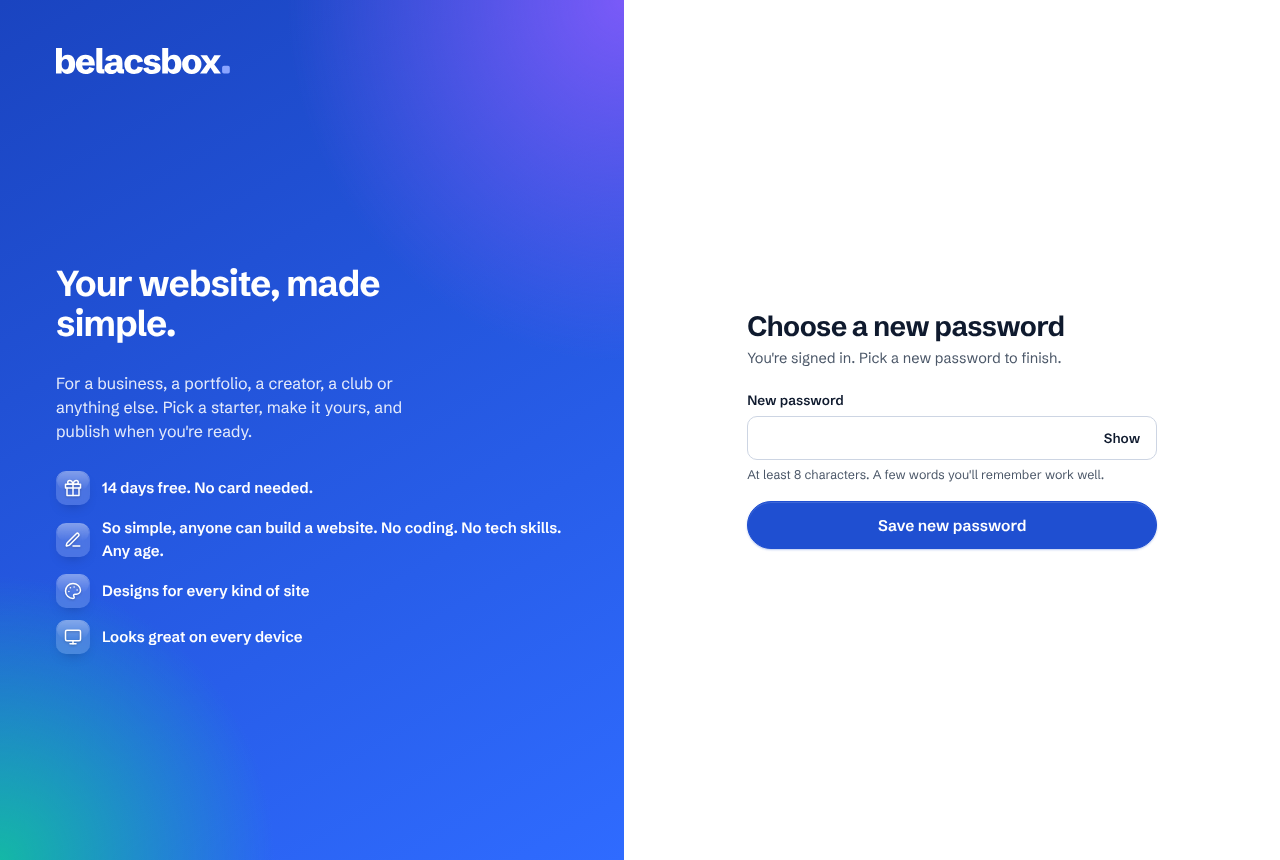
Open the email and click Choose a new password. On the page that opens, click Continue, then type your new password. The link works once, for 1 hour, on any phone or computer.
To sign out, click your initial (the round button at the top right of any page), then Sign out.
- Your email has to be confirmed before you can create a site.
- Clicked a link and see "This link was already used"? Your email is probably confirmed already (some email apps open links to check them for safety). Just sign in. If it says your email isn't confirmed, click Send a new link.
- The link in the email only works once, for 1 hour. Asked for more than one email? Use the newest one.
- We refuse passwords that have shown up in data breaches on other websites, because people try those first. Pick something new.
- Too many tries in a short time? Wait a few minutes before trying again: this protects your account from people guessing passwords.
- Invited to someone's team? Open the invite link, then create your account (or sign in) with the email address the invite was sent to. You come straight back to the invite to join.
- Every sign-in is listed in Sign-in history, so you can check each one was you.