Join a team you were invited to
Open the invite link, sign in with the invited email, and join.
Open the link the owner sent you.
Sign in with the email address the invite was sent for. Confirm your email first if we ask you to.
Click Join the team.
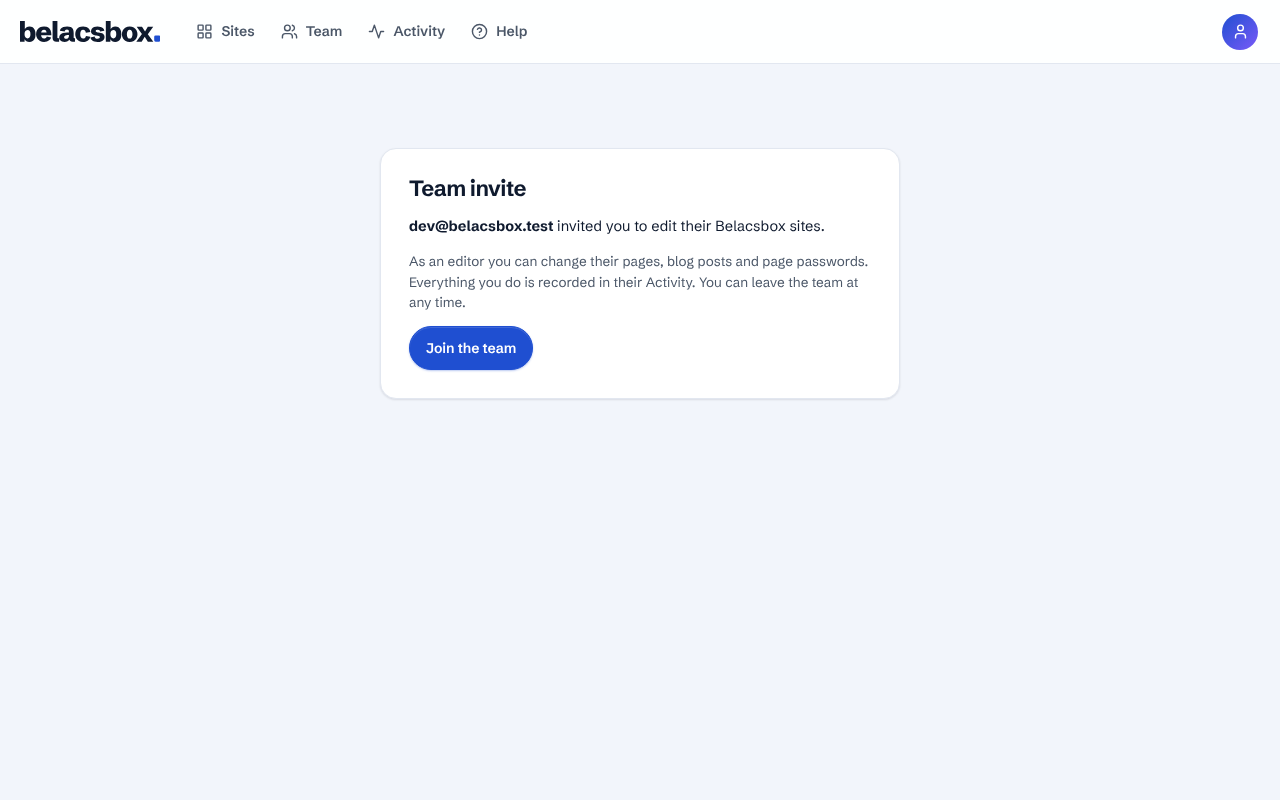
Their sites now show on Your sites under "Shared with you".
Good to know
- "For a different email"? You are signed in with another address. Sign in with the invited one, or ask the owner to invite the address you use.