Publishing and the safety checks
Publish puts your site on the internet. First, Belacsbox checks every page, photo and link for safety, so every Belacsbox site stays trusted by visitors and search engines.
Click Publish at the top right, fix anything listed in red, then click Publish now.
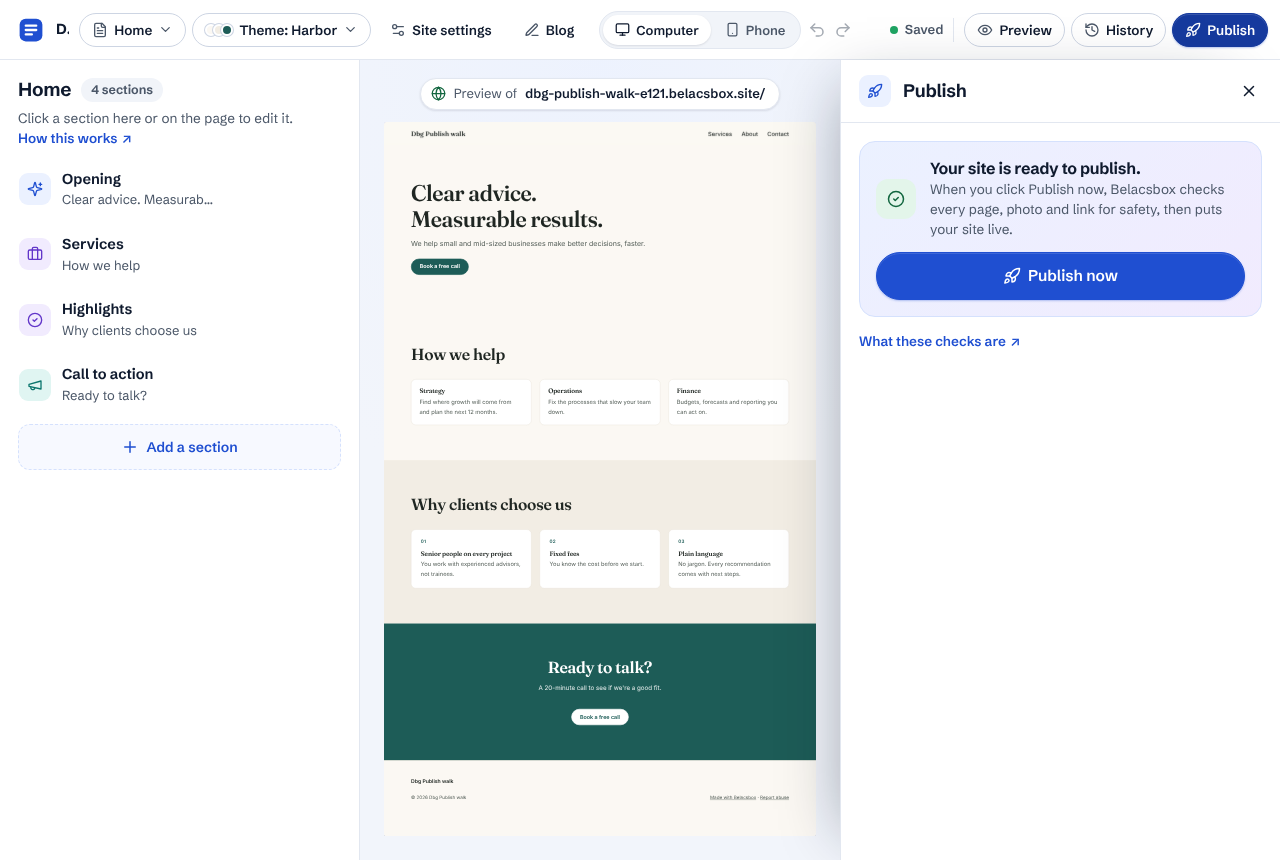
Belacsbox checks your site. This usually takes a few seconds. It checks the words on every page (password-protected pages and blog posts too) for scams, phishing, adult, violent or hateful content; every photo for adult or violent content and known illegal images; and every link that leads to another website against Google's list of unsafe sites and our own list.
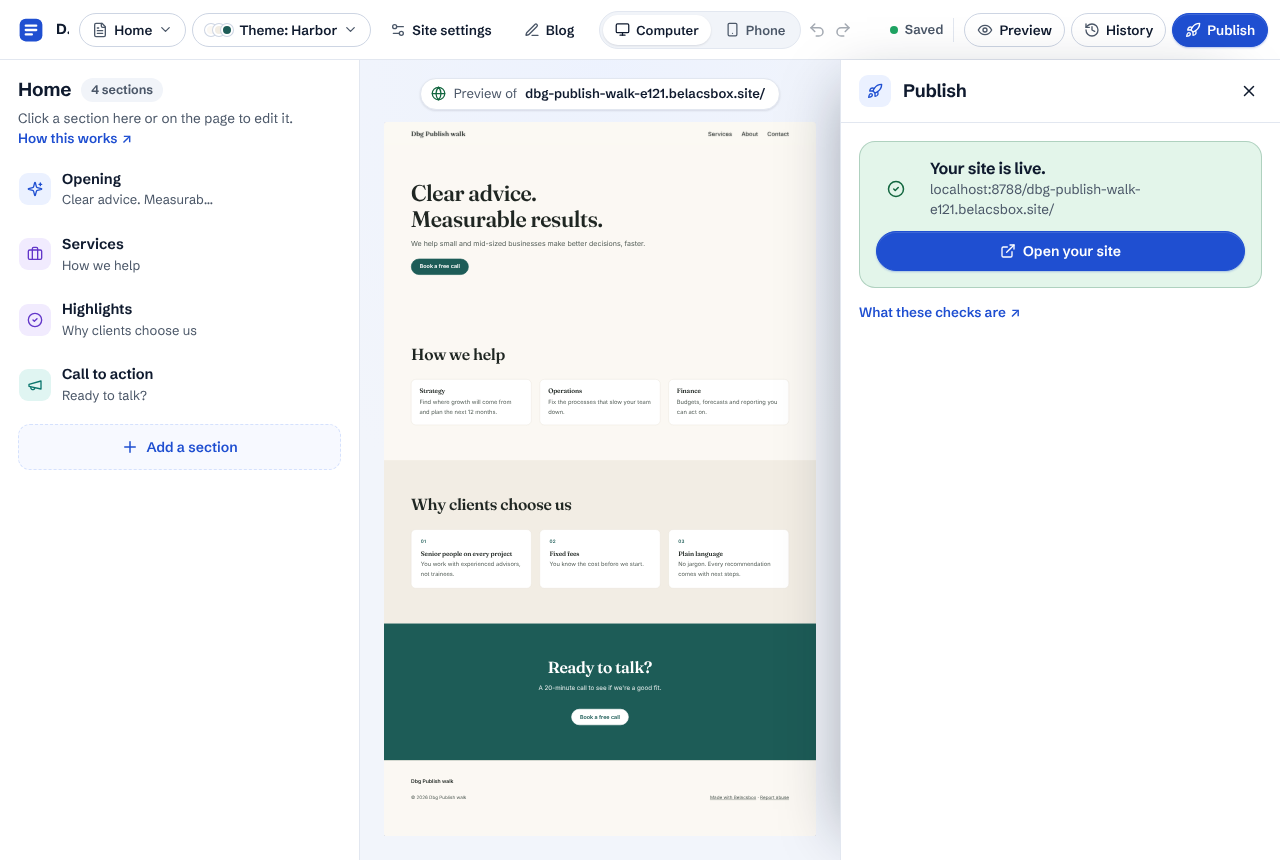
If everything is fine, your site goes live and the panel says so. Click Open your site to see it.
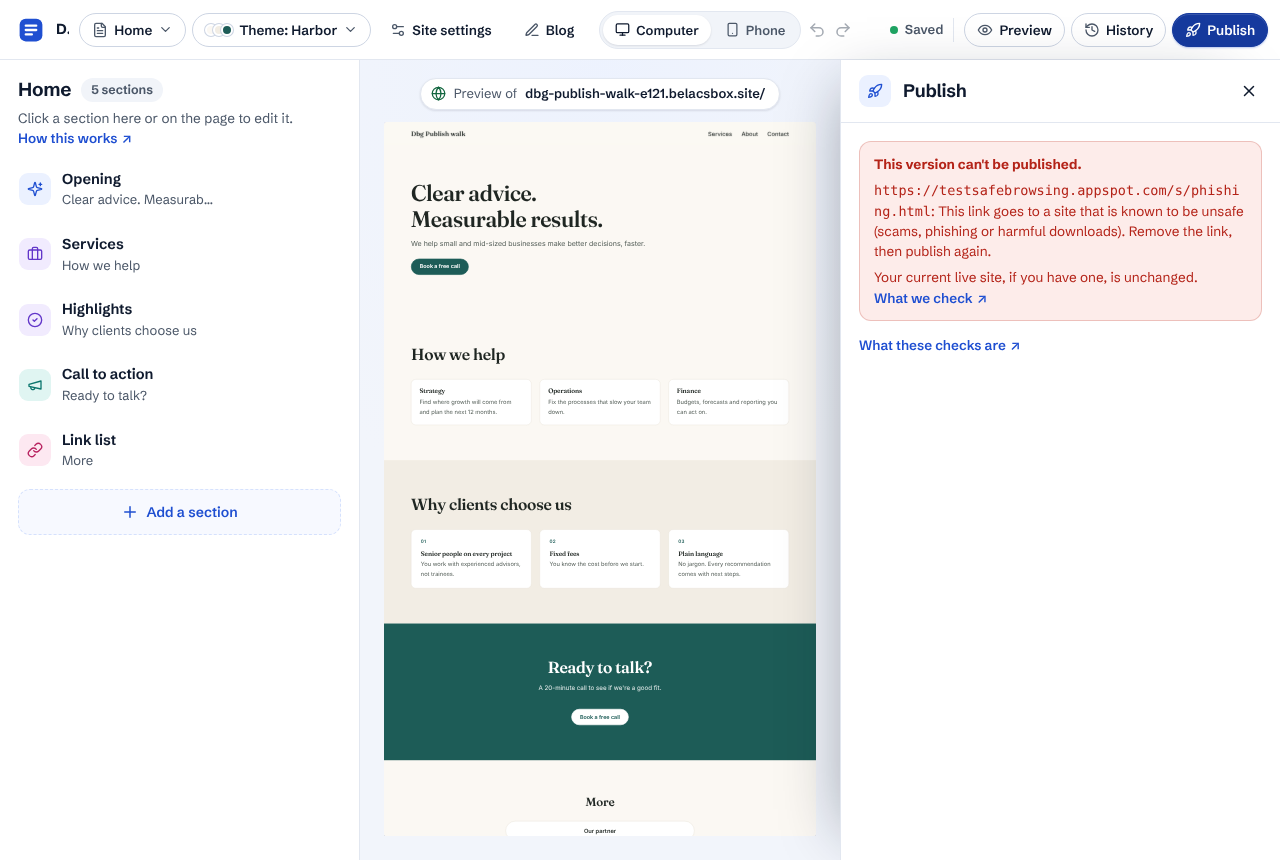
If something isn't allowed, the panel says exactly what, for example a link to a site known for phishing. Remove or change it, then click Publish now again. Your live site stays as it was until a publish passes.
"Held for review" means something needs a quick look from a person on our team, for example a photo our checks weren't sure about. You don't need to do anything. Your current live site stays up meanwhile, and you can keep editing. Open Publish again to see the result once our team has looked.
- Links are also checked while you edit: if you add a link to an unsafe site, the Publish panel warns you before you publish.
- Once a week we check the links on every live site again, because a website that was safe can turn unsafe later. If one of your links does, we'll tell you.
- Republishing without changes is instant and doesn't create a new version. Your last 20 publishes are kept in History.
- Your words, photos and links are checked by automated tools and, when held, by our team. They are never used for anything else.