Put a password on a page
Keep a page for the people you choose, like guests or clients. Every plan includes it.
Open the page (the page name at the top left), then click Page settings in the same menu.
Under Password, click Add a password and type at least 8 characters.
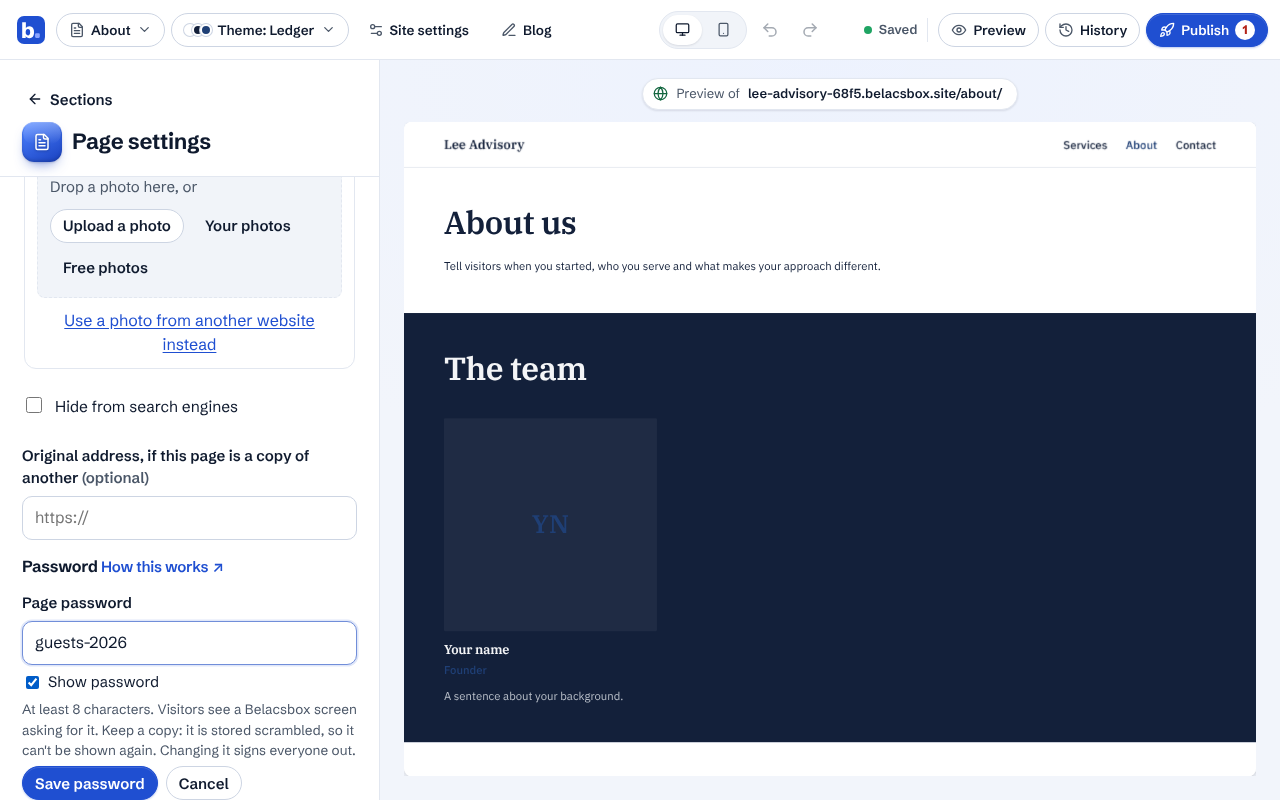
Click Save password. The page shows a lock in your page list.
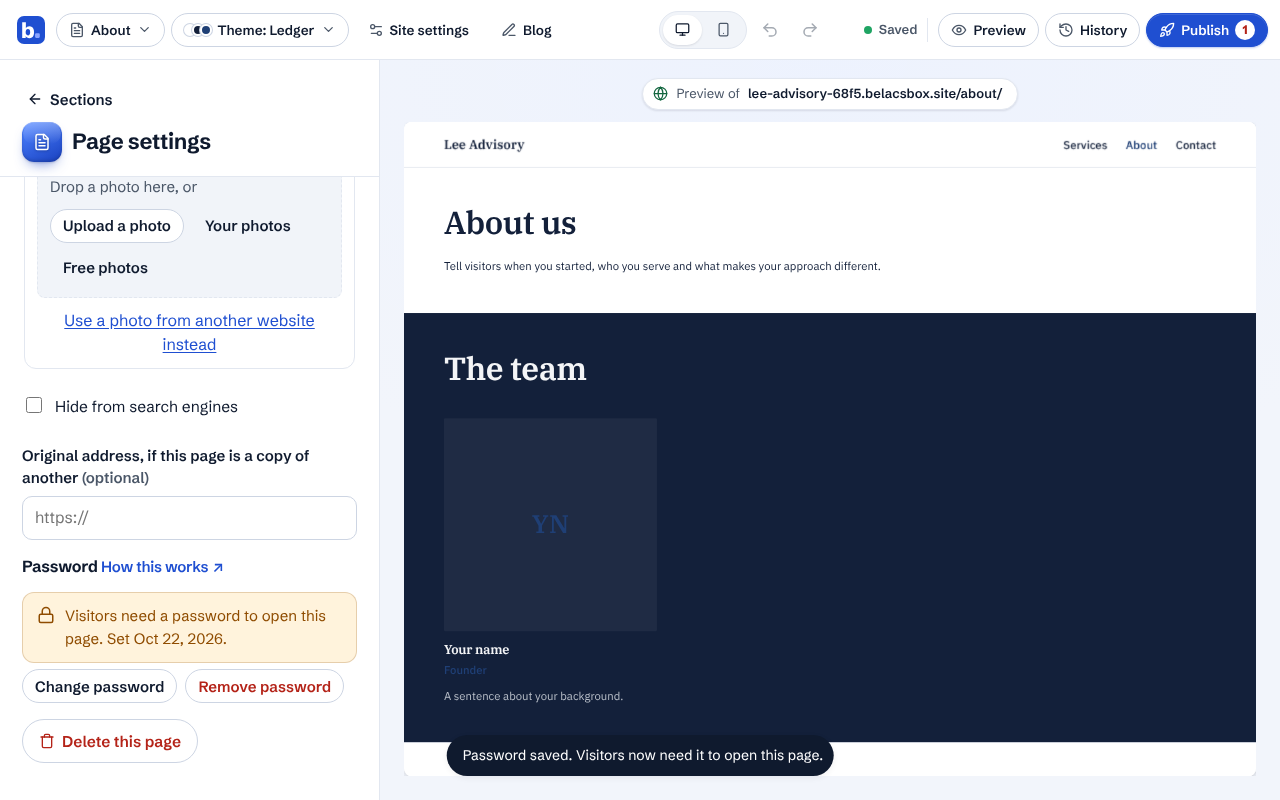
Send the password to your guests yourself. Visitors see a Belacsbox screen asking for it before the page opens.
To change it, click Change password; everyone who unlocked the page will need the new one. To make the page public again, click Remove password.
Good to know
- Keep a copy of the password. It is stored scrambled, so nobody, including us, can show it to you again.
- Adding, changing or removing a password works on your live site straight away; you don't need to publish again. Calendar files and photos used only on that page are locked too.
- Password-protected pages go through the same safety checks as every other page when you publish.