Show the brands you work with (logos)
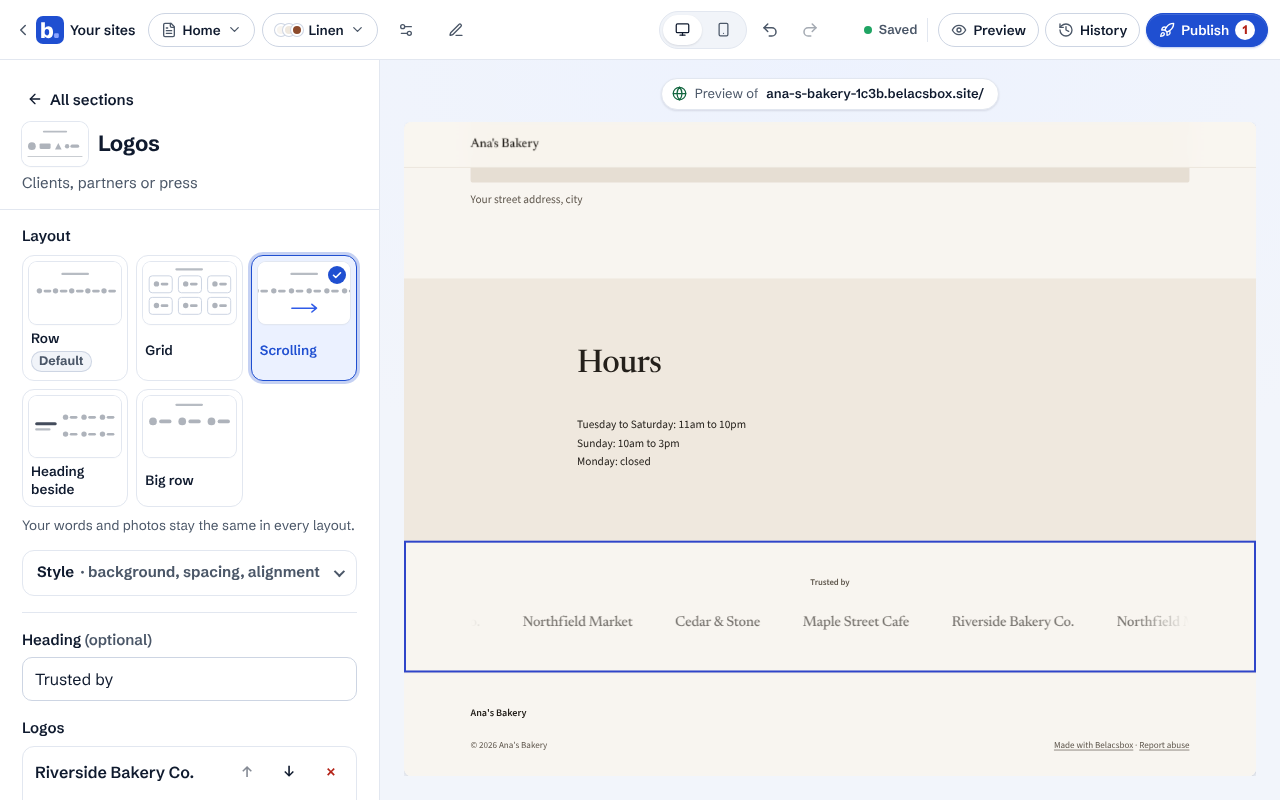
A "Trusted by" strip of your clients, partners or press. Add a logo for each brand, or just its name if you have no logo file, and pick how the strip looks.
Click Add a section, then Logos (under Build trust). Or click your Logos section if you have one.
Type a heading, like Trusted by or As seen in. Leave it empty for no heading.
Under Logos, click Add brand. Type the brand's name; add its logo if you have one (it is shown at the same height as the others, never stretched, and the name is read out to screen-reader users). Add the brand's website under Link if you want visitors to be able to visit it.
Pick a layout at the top: Row, Grid (soft tiles), Scrolling (the strip moves on its own and stops when someone points at it; visitors who ask their device for less motion see a still row), Heading beside, or Big row.
Show logos in grey is on by default, so different logos look calm together; they turn to full colour when a visitor points at them. Untick it to always show full colour.
- Only show brands you have really worked with, and only with their permission.