Make a link-in-bio page
One simple page with your photo, a short bio and big link buttons, on your own address.
On Your sites, click New site and pick the Creator link-in-bio starting point.
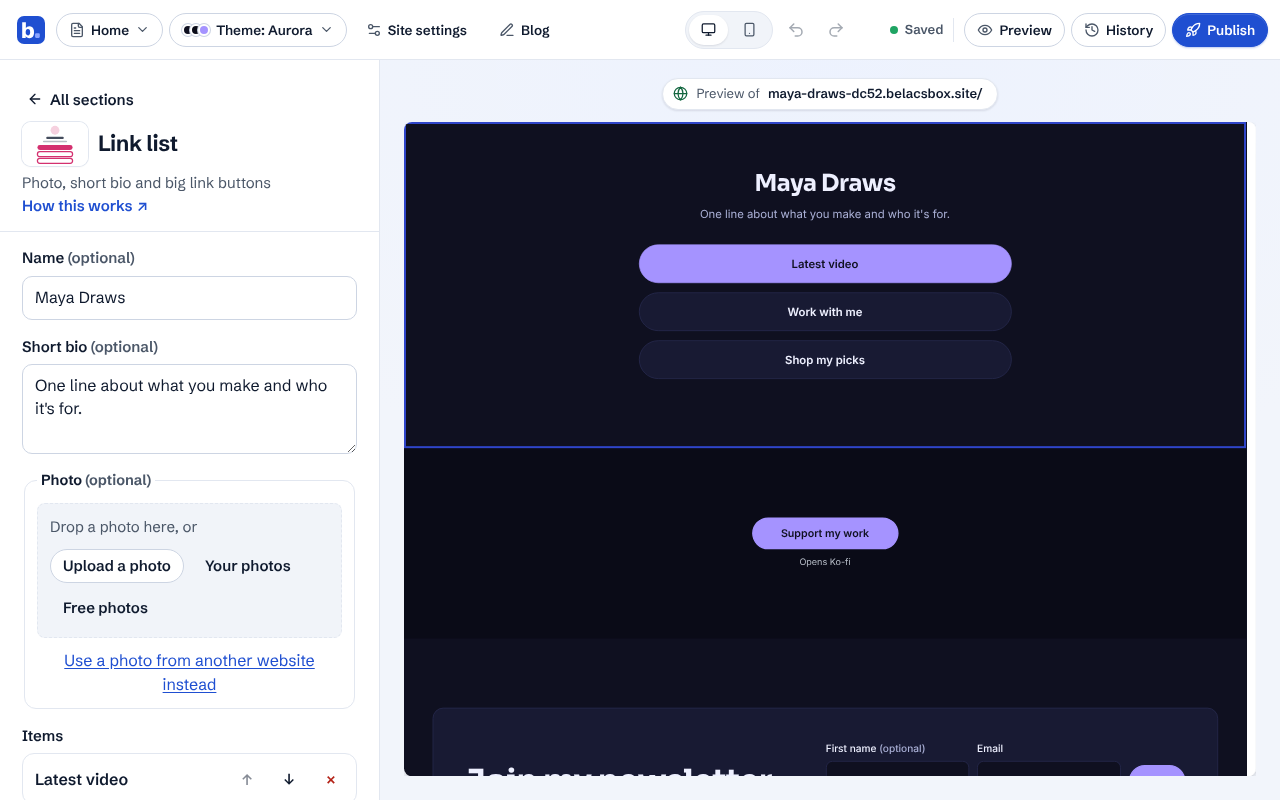
Click the Link list section. Write your short bio, add your photo, and edit the links. Use ↑ ↓ to reorder them and Add item for more.
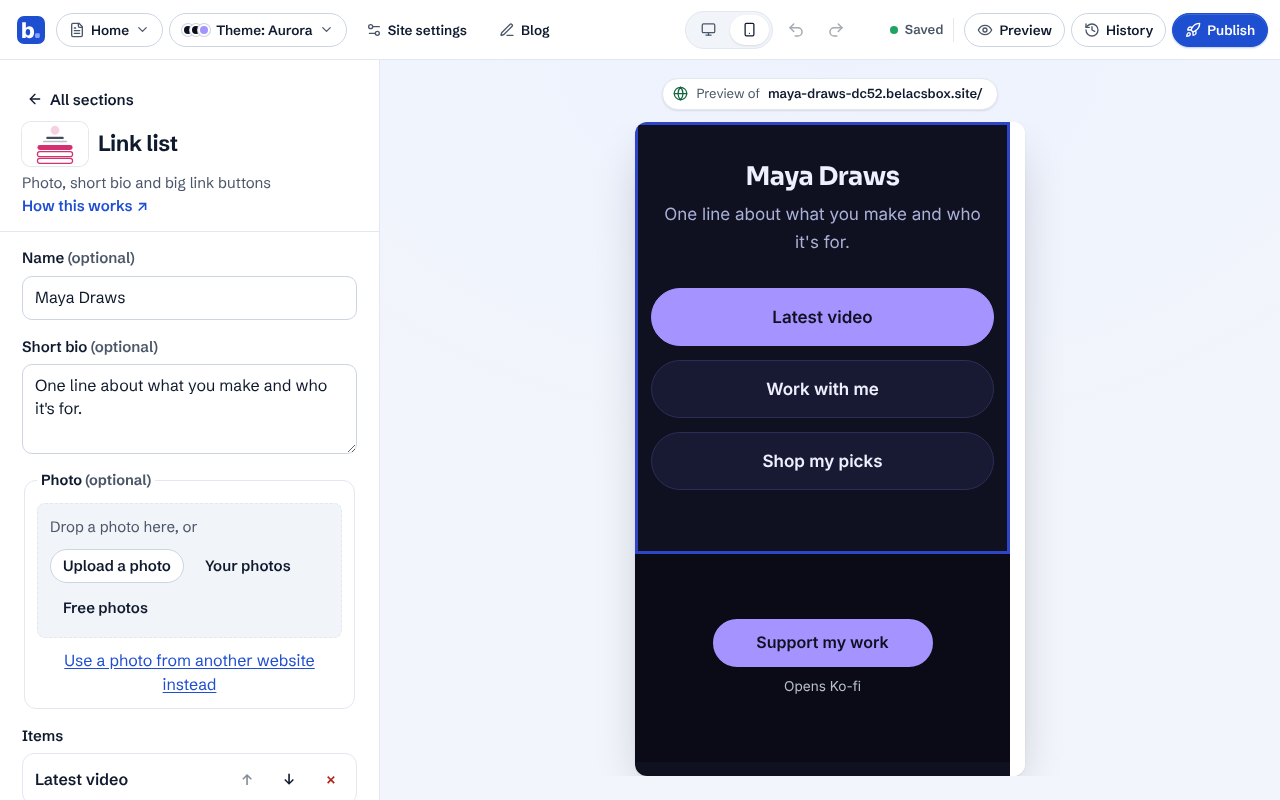
Click Phone to check it: most people will open it from Instagram or TikTok on a phone.
Turning an existing site into a link-in-bio page: Site settings, then Name and type, then Link-in-bio page.