Edit your site on your phone
Everything you can do on a computer works on your phone too, laid out for one hand: one screen at a time, big buttons, and typing boxes that don't zoom.
Open your site from Your sites. At the bottom are four tabs: Sections, Preview, Publish and More.
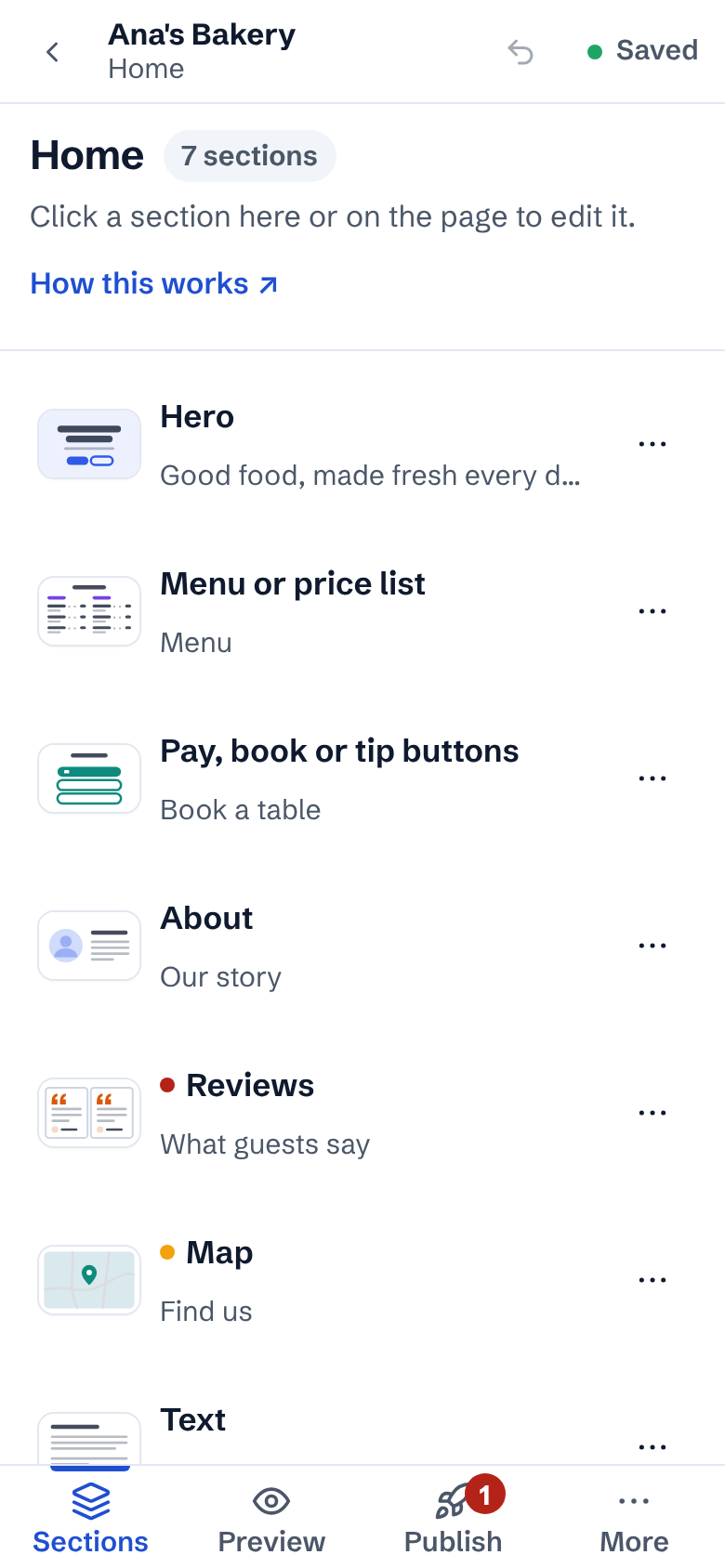
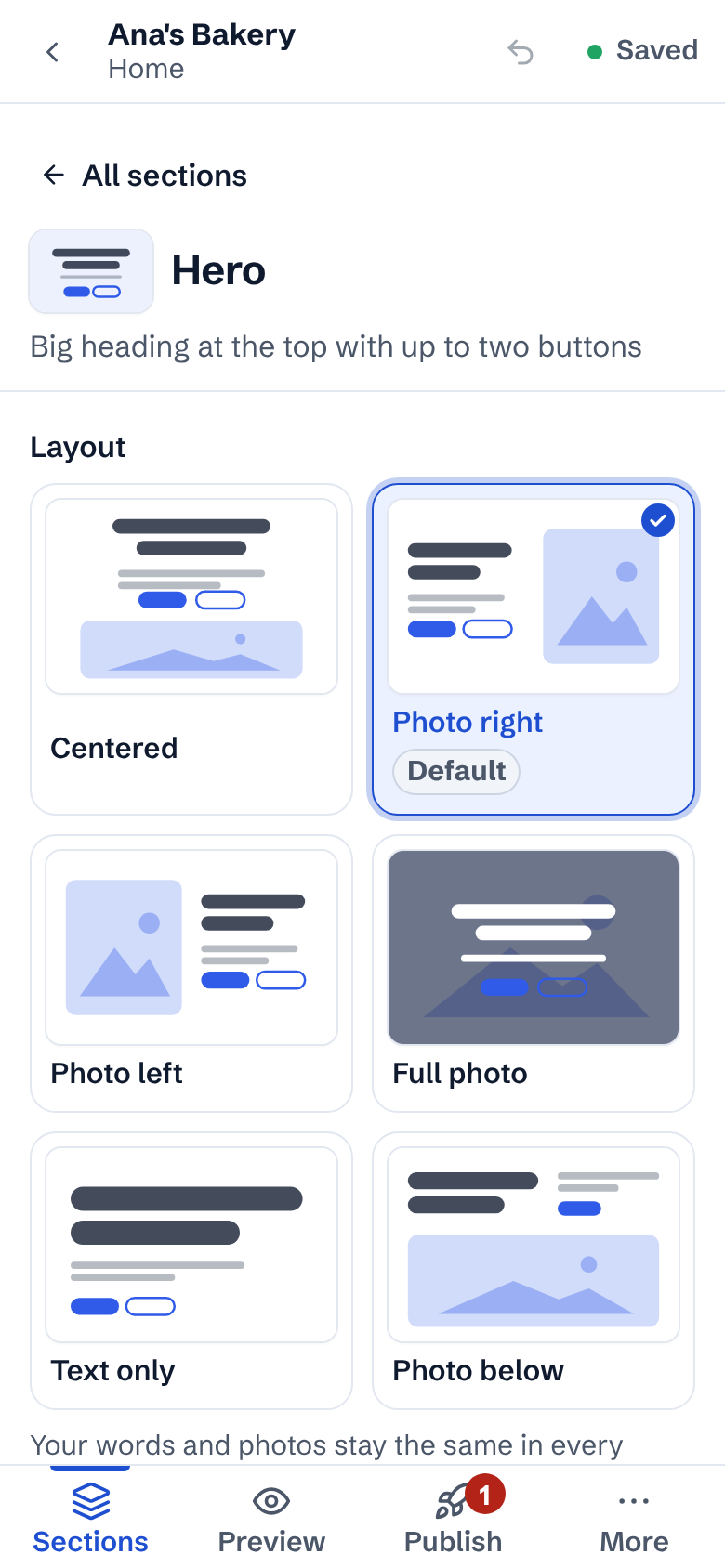
Sections lists the page's sections. Tap one to edit it: its layout pictures, Style and words fill the screen. Tap ← All sections to go back.
Preview shows your page at your phone's own width, exactly as visitors on a phone see it. Tap any section in it to jump straight to editing that section.
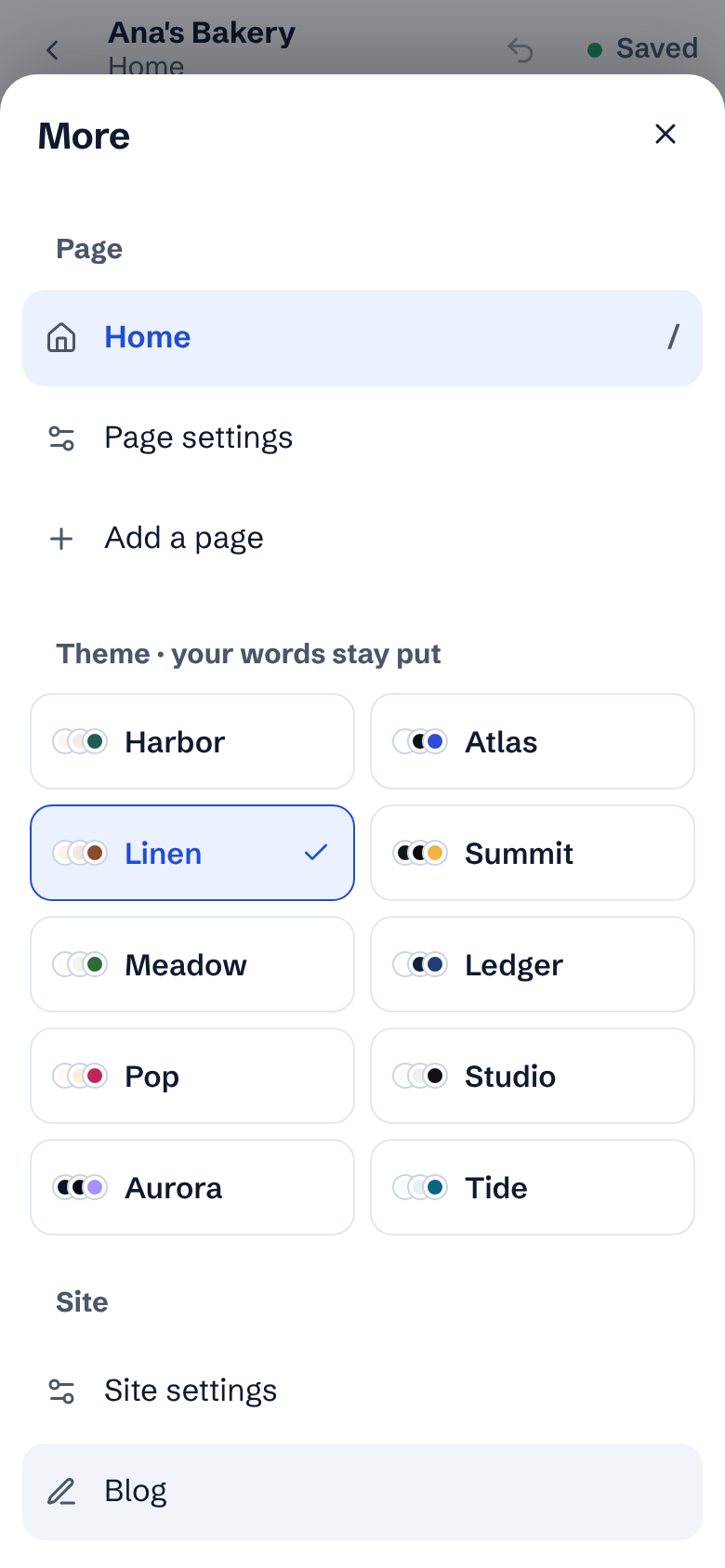
More holds everything else: switch page, Page settings, Add a page, your theme, Site settings, Blog, Redo, History and Your sites.
Publish opens the publish checks and the Publish button, the same as on a computer.
Undo is the curved arrow at the top. Everything saves on its own; the top bar says Saved.
- Writing a long blog post or arranging many photos is quicker on a bigger screen, but nothing is locked on a phone.