Invite someone to edit your site
Give a teammate their own sign-in to edit your sites. You stay the owner.
Click Team in the top menu.
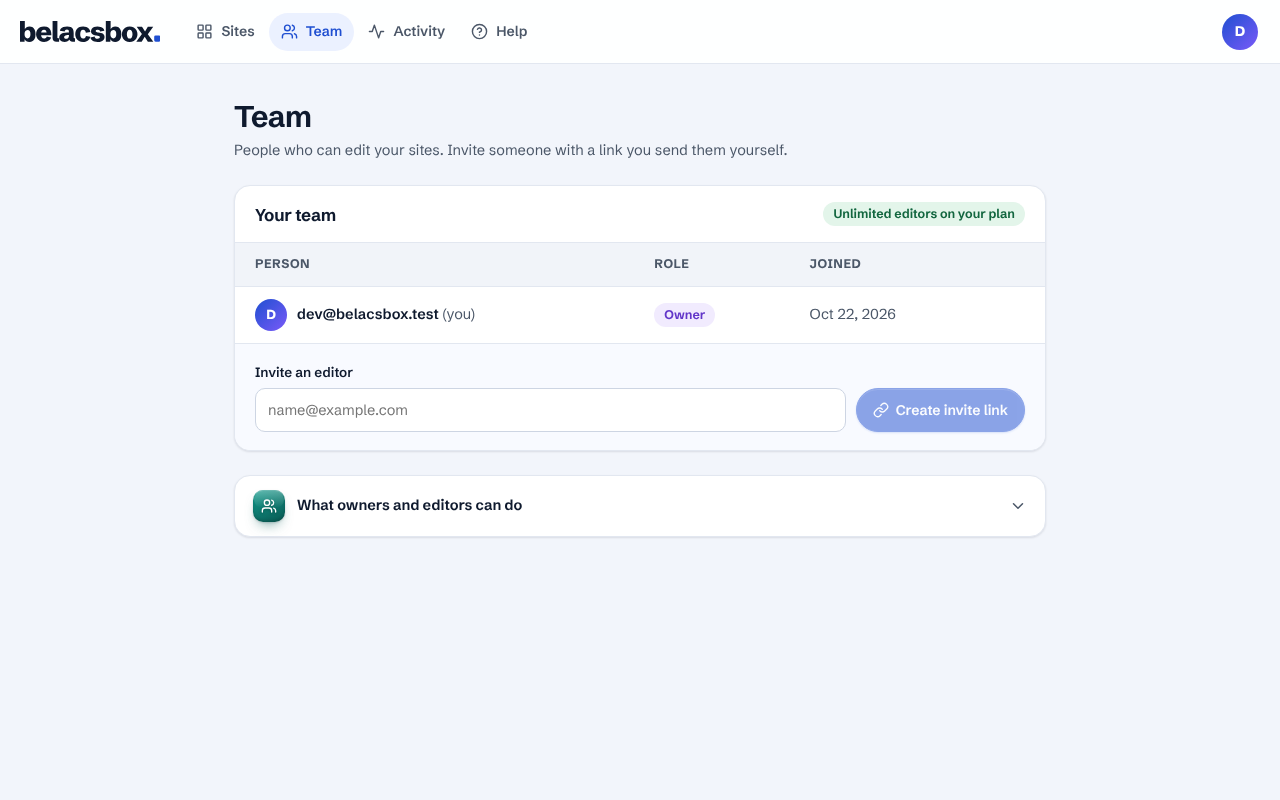
Under Invite an editor, type the email address they sign in with, then click Create invite link.
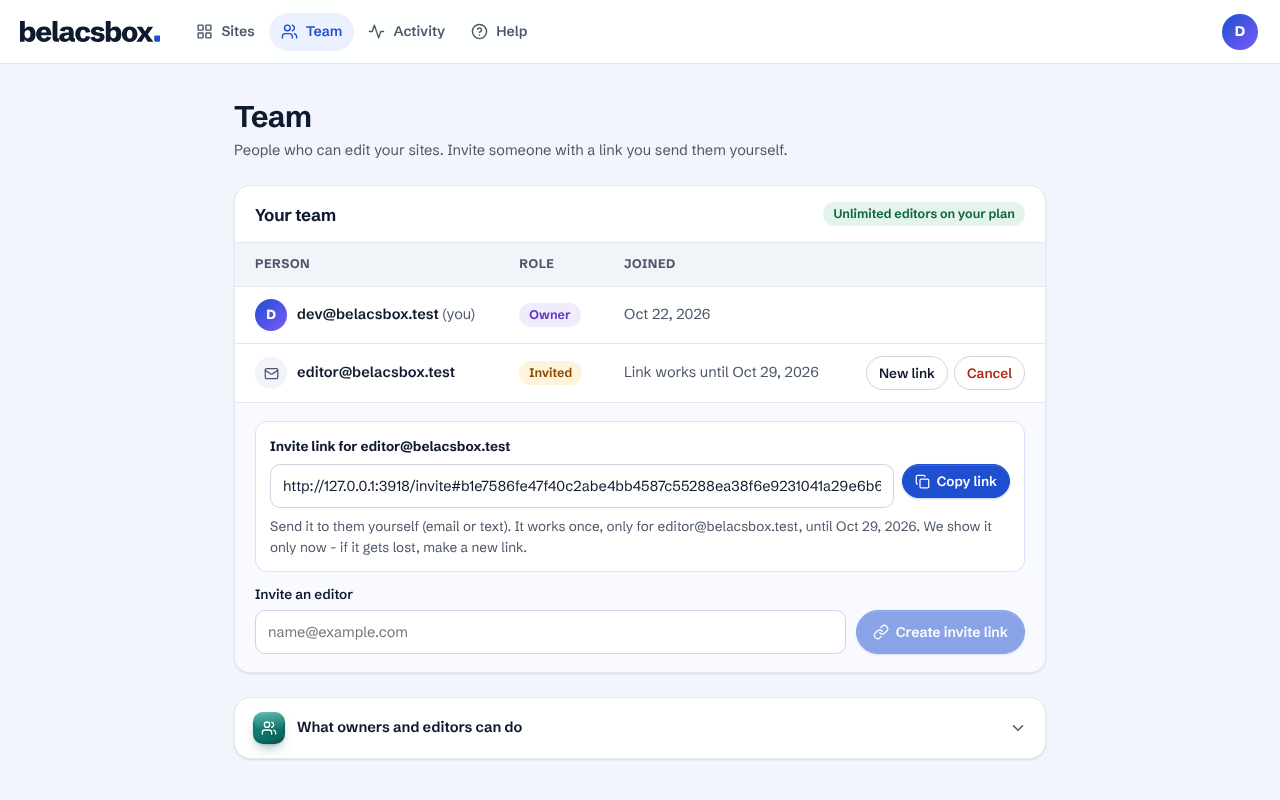
Click Copy link and send it to them yourself, by email or message.
They open the link, sign in with that same email, and click Join the team.
Good to know
- The link works once, for 7 days, and only for that email address.
- We show the link only once. Lost it? Click New link beside their name; the old one stops working.
- Personal plan: 2 editors plus you. Business plan: unlimited. A waiting invite holds a seat.