Close your account
You can close your account yourself, at any time. Your sites go offline at once; everything is deleted for good 30 days later, and until then you can download your sites or change your mind.
Want to keep a copy? First download each site: open it, click Site settings, then Download your site. You can also do this during the 30 days after closing.
Click your initial (the round button at the top right), then Close account.
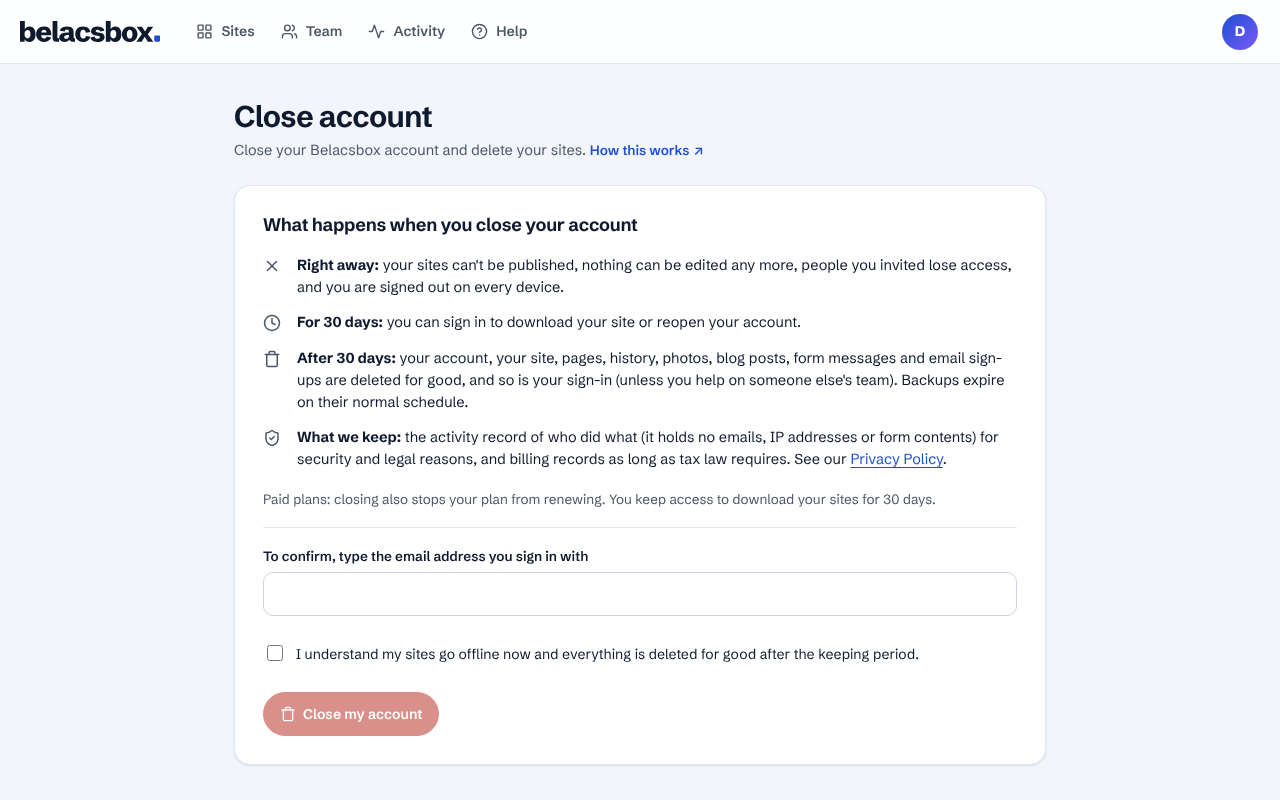
Read what happens. Right away: your sites go offline, nothing can be edited, people you invited lose access and you are signed out everywhere.
Type the email address you sign in with, tick the box, then click Close my account.
Changed your mind? Sign in within 30 days, open Close account and click Reopen my account. Your sites stay offline until you publish them again.
After 30 days your account, sites, pages, history, photos, blog posts, form messages, email sign-ups and your sign-in are deleted for good (your sign-in stays if you help on someone else's team).
- We keep the activity record of who did what (no emails, IP addresses or form contents) for security and legal reasons, and billing records as long as tax law requires. Backups expire on their normal schedule. See our Privacy Policy.
- Only the account owner can close an account. To stop helping on a team, ask its owner to remove you.
- On a paid plan, closing cancels it with Paddle at once, so it never renews or charges again. The time left in the current period isn't refunded, except where the law requires it and for duplicate charges.