Change your theme
A theme sets fonts, colours and layout. Switching keeps every word and photo.
In the editor, click Theme at the top. On a phone, tap the button with three dots, then pick a theme.
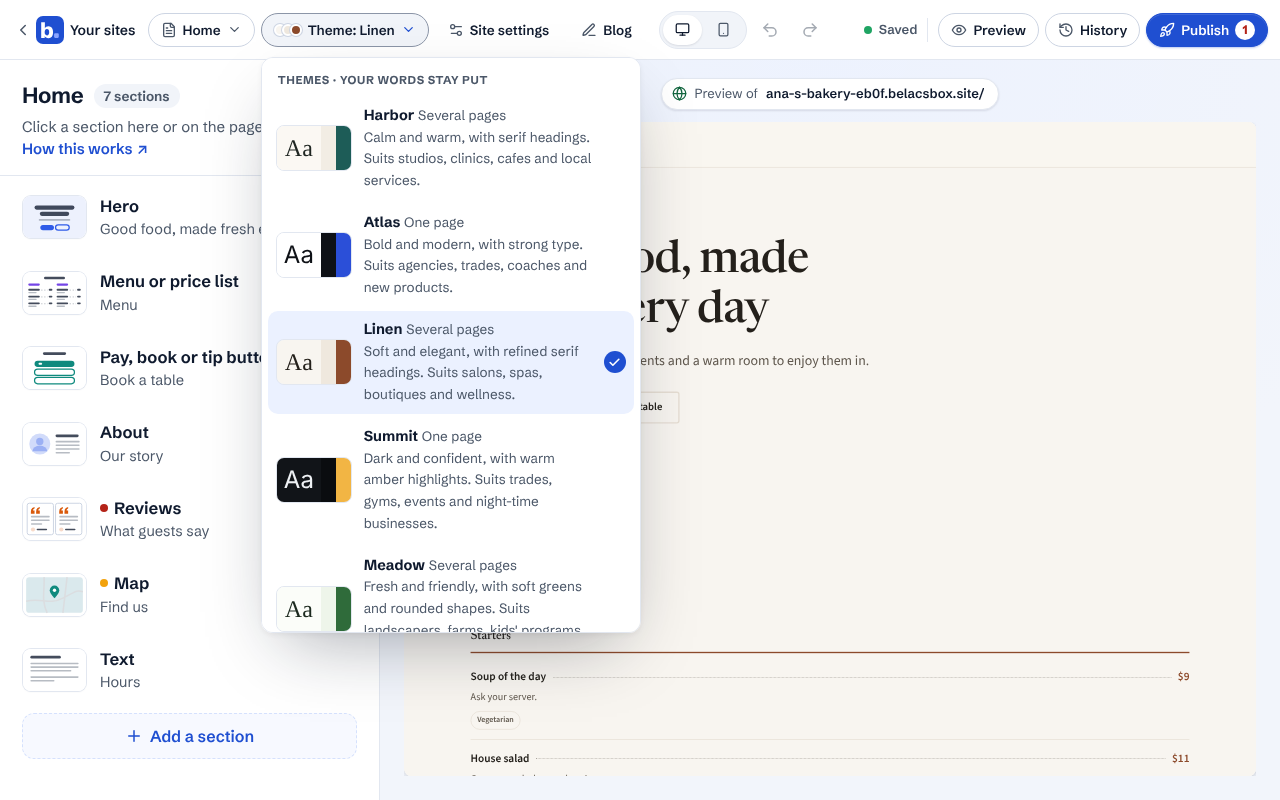
Click a theme. The preview changes at once. Try a few: nothing is lost.
Changed your mind? Click Undo (the curved arrow at the top), or pick the old theme again.