Start a blog and write a post
Turn on the blog once, then write posts. They appear newest first, with an RSS feed for readers.
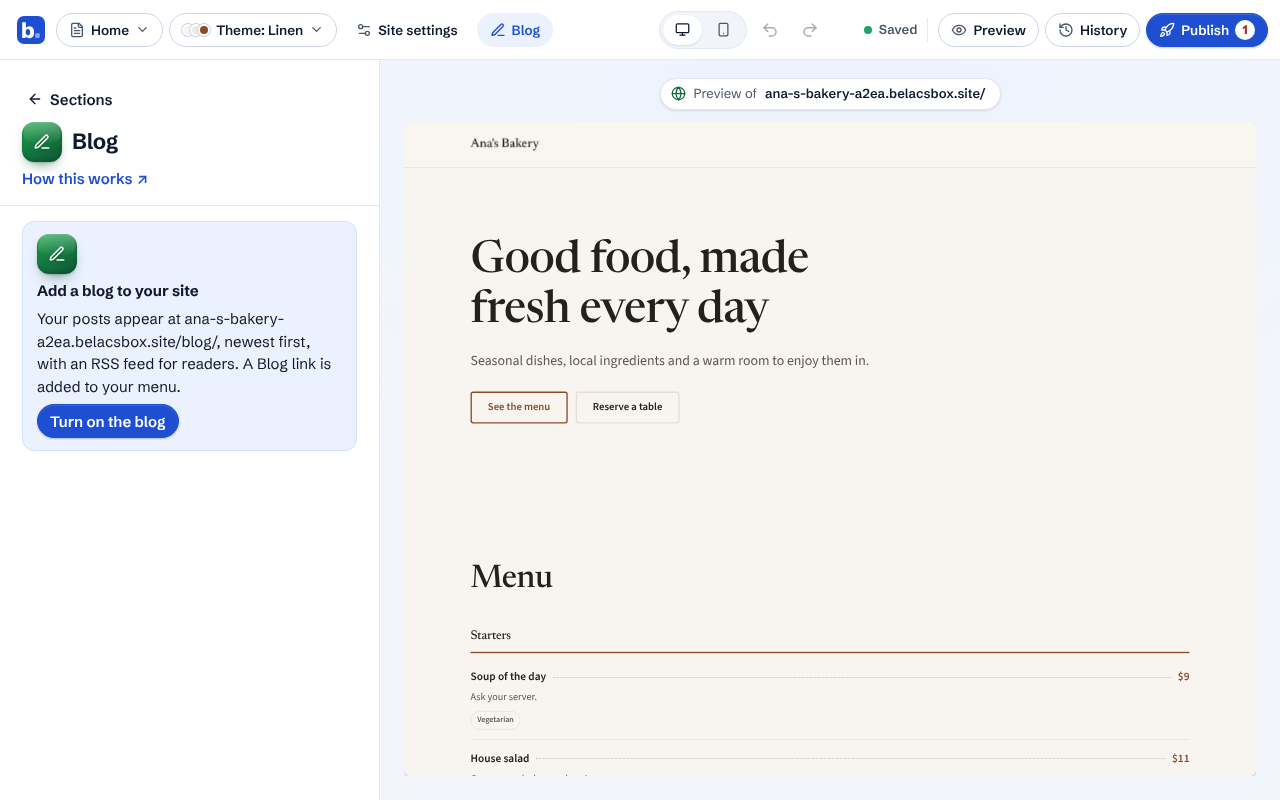
In the editor, click Blog at the top, then Turn on the blog. A Blog link is added to your menu.
Click New post. Write a title and your post; the toolbar has headings, bold, links, lists, quotes and photos. It saves as you type.
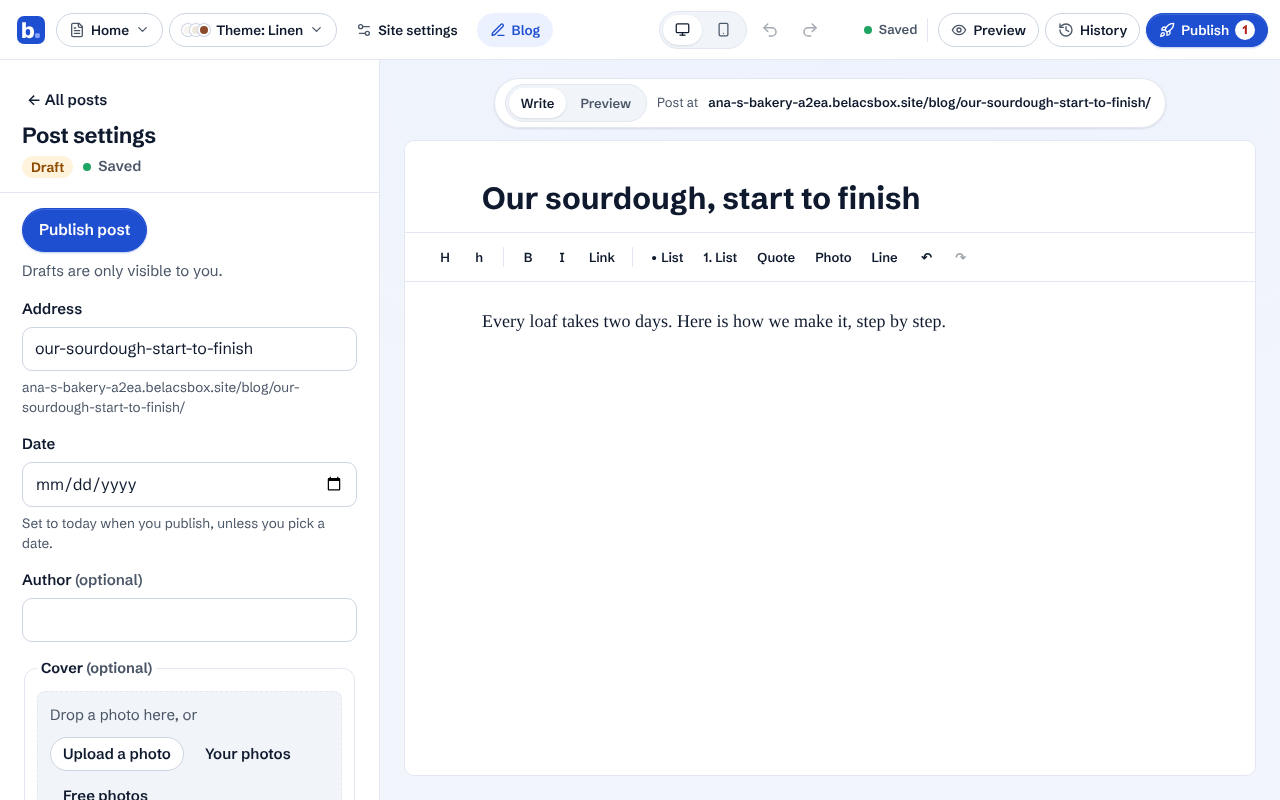
Click Preview above the post to see it as visitors will.
On the left, set the post's address, date, author, cover photo and a short summary. Leave the summary empty to use the first paragraph.
Click Publish post. Published posts go live with your next site publish; drafts are only visible to you.
To show your newest posts on any page, add a Latest blog posts section.
Good to know
- Deleted a post? Click Undo in the message right away. Deleted posts can be brought back for 30 days.